Leasing guide ·
How to Size a Copier Lease to Your Print Volume
How to match a leased copier and its page allowance to your real print volume: find your monthly pages, pick the right speed and duty cycle, and avoid overages.
Find your real monthly volume
Check the meter readings on your current copiers and printers, or the usage page in their web interface, for the last three to six months. Split black and color pages, and note busy months.
Match speed to volume
| Monthly pages | Typical speed | Example models |
|---|---|---|
| Under 5,000 | 25 to 35 ppm | VersaLink B7000, VersaLink C7000 |
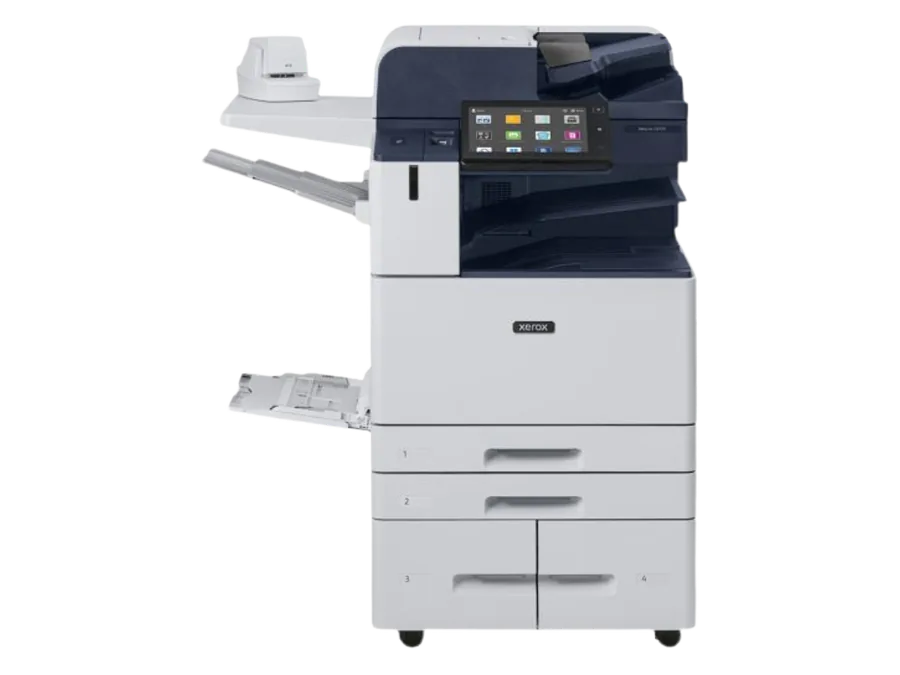
| 5,000 to 20,000 | 35 to 55 ppm | AltaLink C8135 to C8155, AltaLink B8145/B8155 |
| 20,000 to 50,000 | 55 to 72 ppm | AltaLink B8170, AltaLink C8170 |
| Over 50,000 or heavy stock | 65 ppm and up | PrimeLink, Versant |
Use duty cycle as a ceiling, not a target
Manufacturers quote a maximum monthly duty cycle, such as up to 153,000 pages for a VersaLink B7035. That is a peak, not a recommended volume. Aim for a machine whose everyday load is a small fraction of its duty cycle.
Set the allowance a little above average
Set black and color allowances slightly above your typical month so normal months are covered, and accept small overages in peak months rather than paying for a high allowance all year.
Review after six months
Volumes change. Check usage after the first six months and adjust allowances if the lease allows it.
Ready to compare options? See our leasing service or request a written quote below.