Buying guide ·
Color vs. Black-and-White Copiers: Which Does Your Office Need?
Color or black-and-white office copier? Compare cost per page, what your documents need, scanning, and when a mixed setup of both makes the most sense.
Cost per page
Color pages cost several times more than black pages to print, in both toner and service. If most of what you print is text, a black-and-white copier keeps running costs down.
What your documents need
- Client proposals, marketing and real estate flyers: color
- Contracts, invoices, forms and internal reports: black and white
- Charts and highlighted documents: color helps, but is often optional
Scanning is color either way
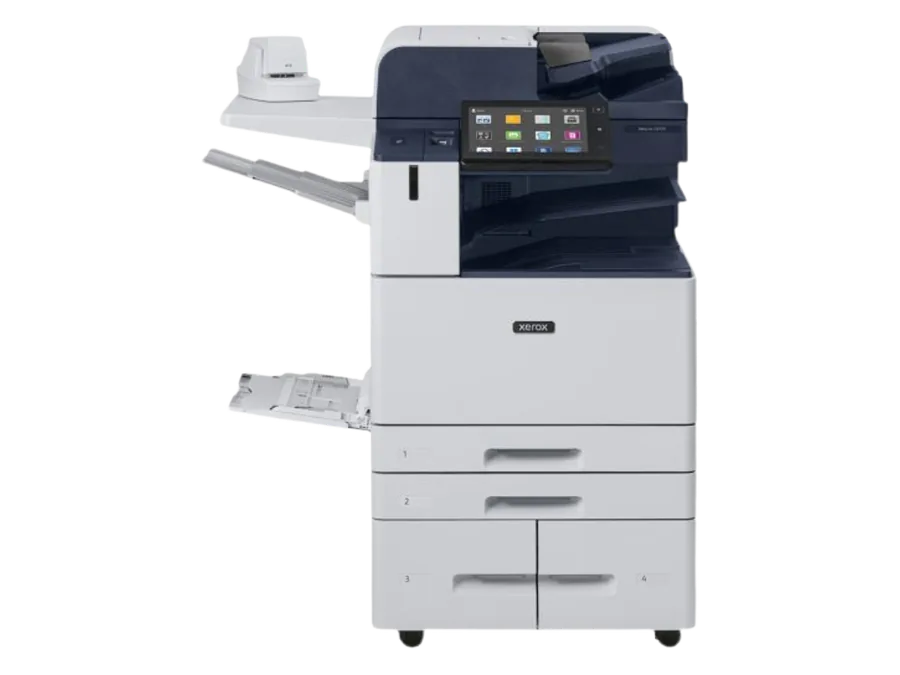
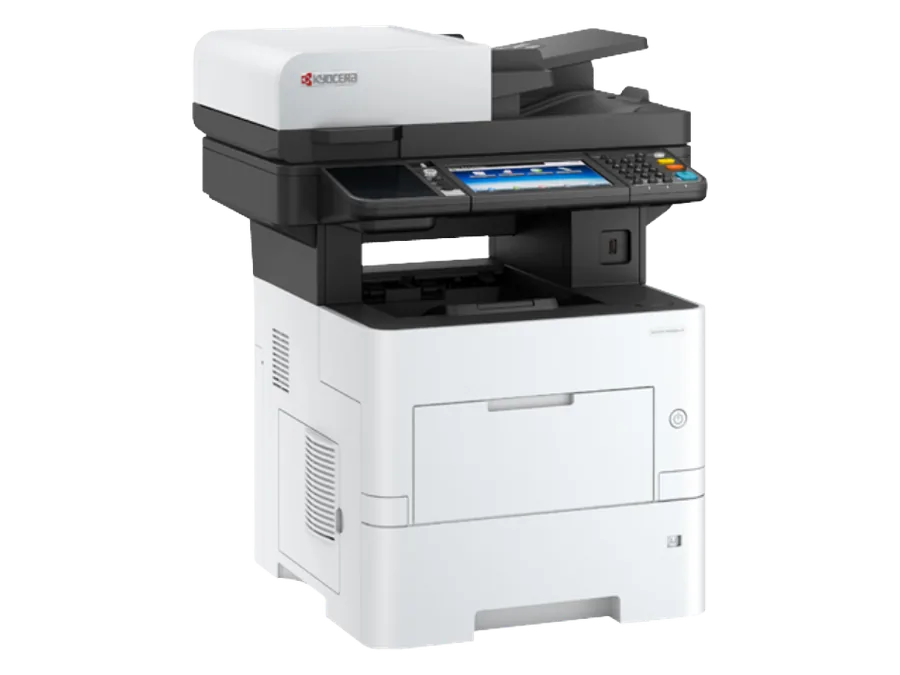
Black-and-white multifunction printers such as the VersaLink B7000 and AltaLink B8100 still scan in full color, so you do not need a color copier just to scan color documents.
The mixed setup
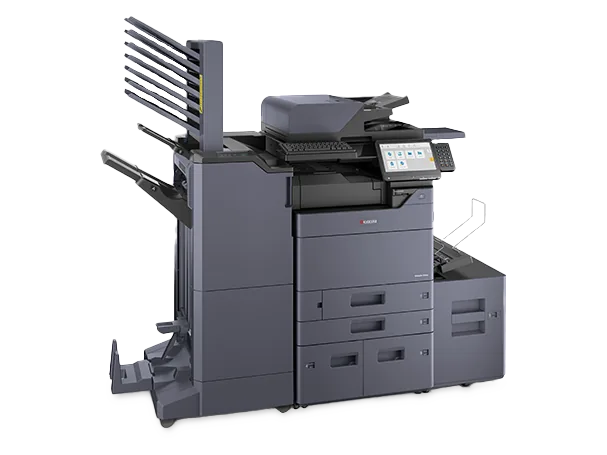
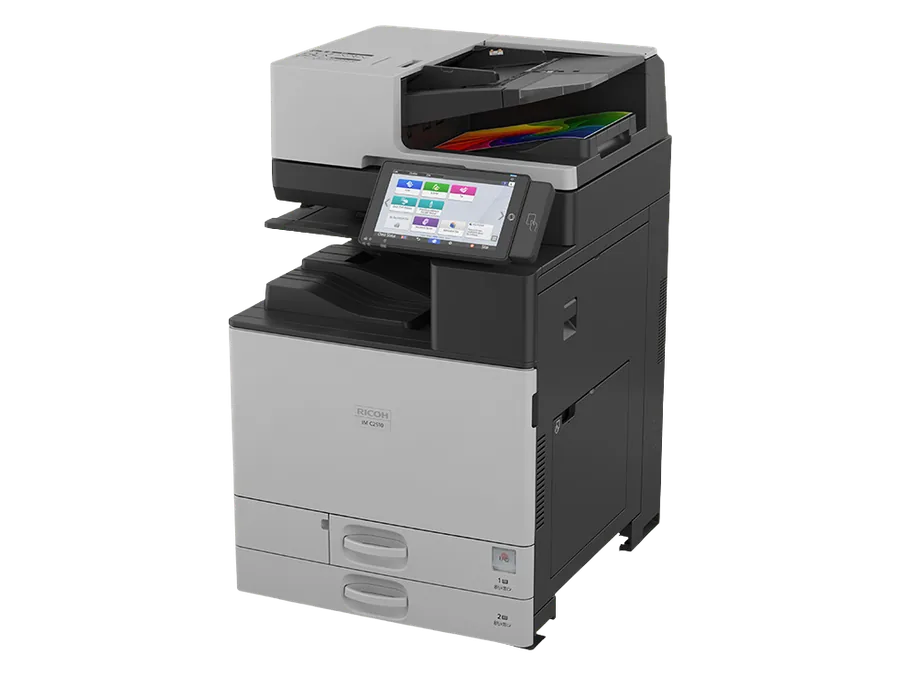
Many offices pair a fast black-and-white MFP for everyday volume with a smaller color device, such as a VersaLink C7000, for the pages that need it. Others choose one color MFP and use print rules to default to black.
Controlling color use
Built-in accounting on most copiers can limit color by user or department, and print drivers can default to black, which keeps a color machine's running cost close to a monochrome one.
Ready to compare options? See our buying service or request a written quote below.